How to Shop Smart for Electronics at the Thrift Store

Thrift stores can be treasure troves when it comes to scoring deals on secondhand items, and that includes electronics. Whether you’re looking for a vintage turntable, a backup tablet, or a blender for your kitchen, thrift stores offer incredible opportunities to save money. But unlike solid wood furniture or decorative objects, electronics require a more thoughtful and cautious approach. You’re not just buying a thing — you’re buying a function, and there’s always a risk that it might not work as expected.
As the saying goes, “you get what you pay for.” But if you approach secondhand electronics with the right mindset and a little bit of know-how, you might just walk away with a reliable device at a fraction of the price. Below, we’ll walk through some of the most important steps you can take to shop smart and avoid disappointment.
Test Before You Buy: Inspect and Try It Out
Don’t judge an electronic device by how clean it looks. Testing is your best friend when shopping for electronics secondhand. In many cases, items donated to thrift stores have been stashed away in garages or basements for years — or were donated because something wasn’t working quite right.
Make sure to plug in the item and test all its functions. For example, with a stereo system, try playing a CD or connecting a device via auxiliary cable. For digital cameras, check the battery compartment for corrosion and snap a few photos to make sure the lens and shutter function smoothly.
Inspect physical wear and tear, such as:
Bringing a small kit with you — including spare batteries, a phone charger, and a power bank — can be invaluable. If you can, ask a staff member to plug the item into an outlet so you can see if it powers on. It’s also wise to set your expectations accordingly: be realistic about what’s worth repairing and what’s not.
Estimate the Cost of Repair Before You Commit
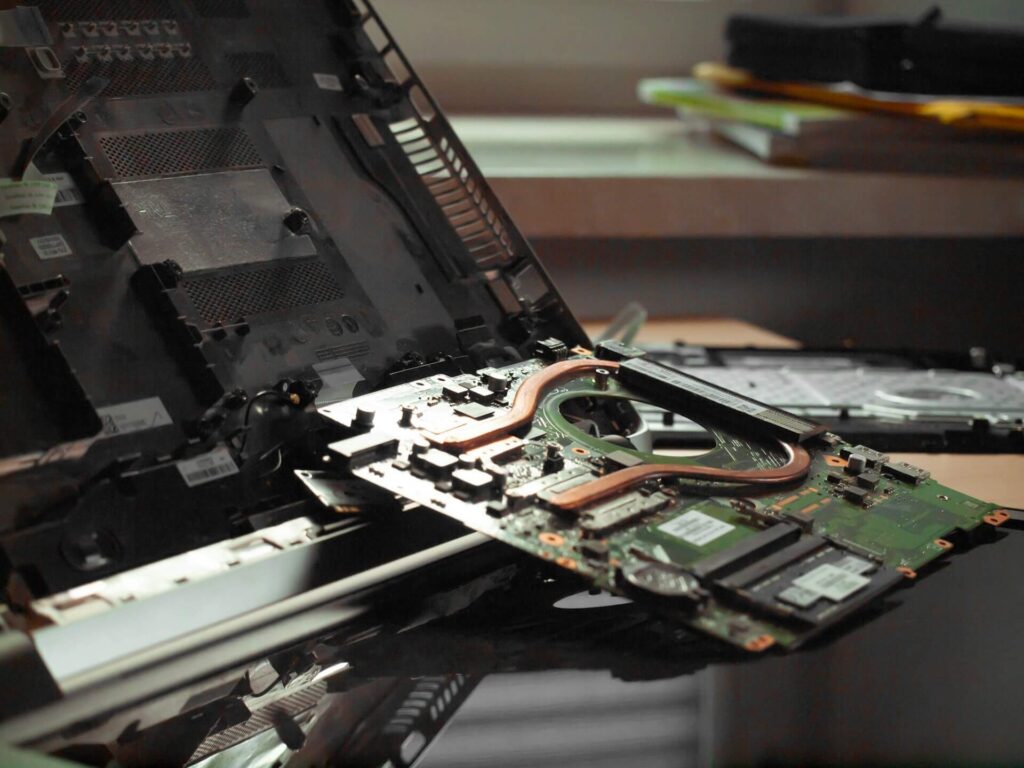
Sometimes, a secondhand electronic device might need a little love before it works properly. But before you buy anything that looks like it might need repairs, take a moment to estimate what that repair might realistically cost. The deal you thought you were getting might vanish after a trip to the repair shop.
Consider these potential repair pitfalls:
Call a local repair shop or search online for service quotes before committing. For some older electronics, parts may no longer be available, making repair impractical or impossible.
Do Your Research: In-Store and At Home
Knowledge is power — and research is your greatest ally when shopping secondhand. Before you even set foot in a thrift store, take a few moments to familiarize yourself with the models, manufacturers, and prices of the electronics you might be interested in.
If you come across an unfamiliar item in-store, take a minute to look it up on your phone. Check the going price for a similar used model online, and look for common issues in user reviews. Some apps can even scan barcodes to bring up detailed specs and pricing data.
Tips for smart researching:
Remember: a little legwork can save you from buying something that seems like a deal but ends up gathering dust in your closet.
Avoid Obsolete or Unsupported Devices
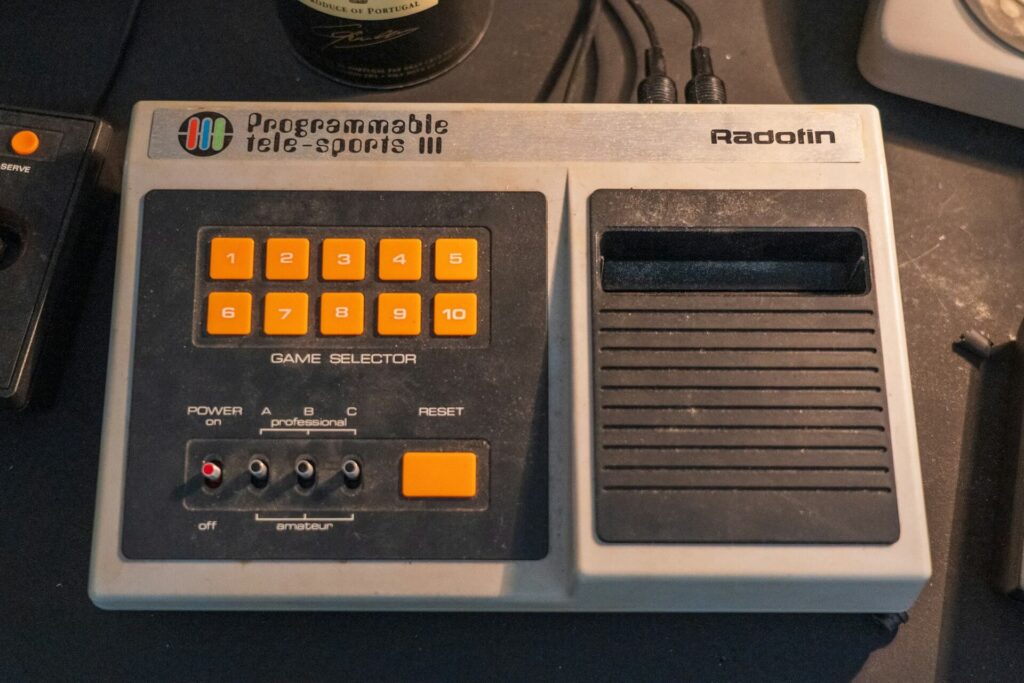
Not all gadgets are created equal — or supported forever. The bargain you find might be obsolete or dependent on a third-party service that no longer exists. Smart devices, printers, routers, or even fitness trackers that rely on apps or cloud services can quickly become useless once support is discontinued.
Items to be wary of include:
When in doubt, search the make and model online to confirm whether it still works with current apps or accessories. And always consider the total cost: even if the item itself is inexpensive, outdated parts or missing accessories can add up.
Know the Return Policy
While most thrift stores sell items “as is,” some offer limited return windows — especially for electronics. Before making a purchase, ask the cashier or check signage near the register to understand what your rights are if the item doesn’t work when you get home.
Some stores may offer:
Always get a receipt and keep it with the item until you’ve tested it thoroughly. If you’re buying a more expensive piece — like a vintage record player or camera — ask if the store offers any guarantees, or if they’ve tested the item before putting it on the shelf.
Negotiate the Price
Most people don’t realize that prices at thrift stores are often negotiable — especially if an item has been sitting on the shelf for a while or shows signs of wear. A polite ask can go a long way, especially if you’re purchasing multiple items.
Ways to approach price negotiation:
Just remember to be respectful and friendly — the staff are usually happy to help when approached with kindness.
Hygiene Matters: Choose Carefully with Personal Electronics
Personal use electronics require an extra layer of scrutiny. Headphones, electric toothbrushes, keyboards, and other items that come in contact with skin or bodily fluids can harbor bacteria or mold, especially if they haven’t been properly cleaned.
Before you buy, ask yourself:
Even if the item works perfectly, hygiene concerns may outweigh the deal. In general, avoid products where sanitation is questionable or impossible.
The Takeaway
Buying secondhand electronics can be a smart and sustainable way to score big savings — but it’s not without risks. Whether you’re hunting for a retro amplifier or a replacement blender, doing your research, testing the item, and understanding the return policy can help you avoid buyer’s remorse. Equip yourself with a few simple tools and a sharp eye, and you’ll be ready to thrift like a pro.
Happy hunting!